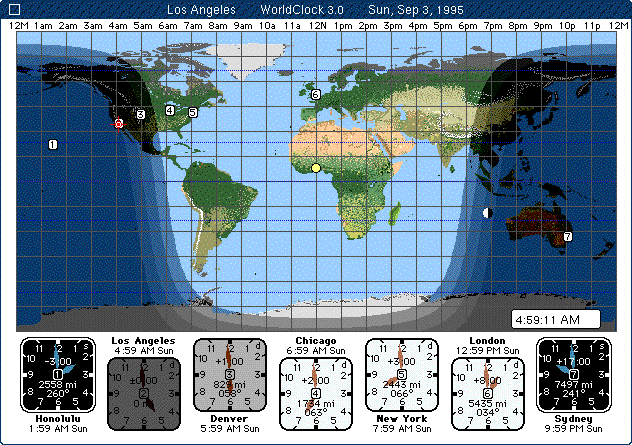
The main screen of the WorldClock Desk Accessory shows seven clocks, each of which may be set to a location you determine. To set any clock to a new location, you just click on the clock. A list of 360 or more locations appears, click, and your clock is set for the new city. In this screen shot, the sun is over west Africa, and the moon is over Sydney, Australia. On a monitor set for thousands of colors, a stylized representation of the twilight region is shown, with the lightest band representing civil twilight, then nautical twilight, then astronomical twilight, then full darkness. The shading of the clock faces represents whether it is day, night, or twilight at each clock's location.
Return to WorldClock Product page